
Poly Loot Tools Hub — Progress Checklist
A practical static checklist for loot slots, upgrades, and world-unlock reminders.
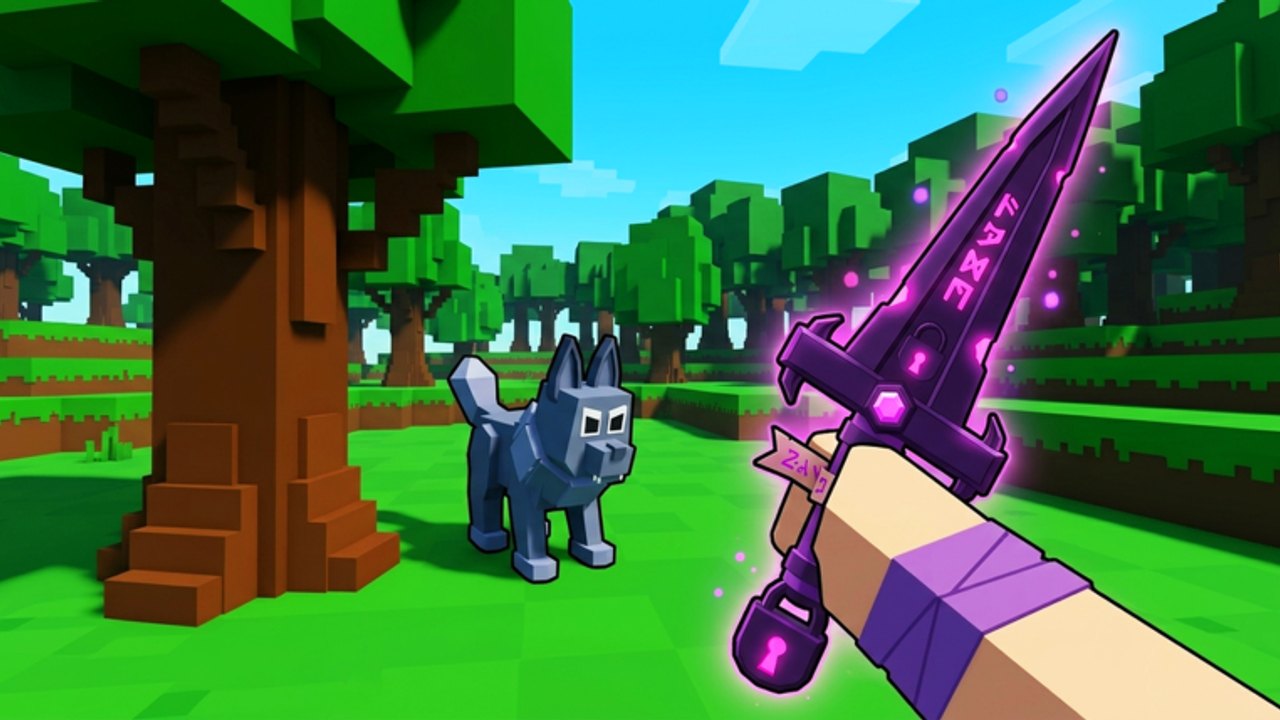
The Tools Hub is a practical progress checklist for Poly Loot players who want structure without spreadsheets. Copy the lists into a note, check items off between packs, and pair each section with the matching wiki guide. Poly Loot is a Roblox Action RPG from the Poly Loot group (Overnight Creations): defeat monsters, collect loot, equip better gear, level up, and explore new worlds on Desktop, Mobile, and Console in servers of up to eight players.
This page stays intentionally static—no fake calculators, no invented drop rates. It is a reminder system so farming sessions stay intentional during the Jungle-focused era of September 2026.
Child tools on this hub
Use the dedicated worksheets when you want more detail than the hub lists:
- Session Checklist — printable-style pre-session, KPI, Jungle, co-op, and end-of-session boxes you can run every login.
- Loot Planner — slot priorities, vendor rules, elemental craft goals (Red/Blue and Green), and upgrade spend order on a static worksheet.
Start new players on the Session Checklist. Open the Loot Planner when a haul forces keep-or-vendor decisions.
How to use this checklist
- Skim Getting Started once if you are new.
- Pick the sections that match today’s goal (XP, loot, Jungle prep).
- Check boxes mentally or in your own notes as you complete them.
- Recheck after weekend code drops and after reading the Updates Hub.
- When a line mentions rankings, open the Tier List Hub only if you must choose between upgrades.
- Escalate to the Session Checklist or Loot Planner when the hub lists are not enough detail.
A. Session start checklist
- Graphics and sensitivity feel playable (Controls)
- Redeemed current strings on the Codes Hub / Discord (weekend cadence; many ~1 week)
- Declared today’s KPI: XP, loot slot, or Jungle route
- Inventory has free space before the first pack
- Consumables or recovery tools restocked
- Avoided unverified automation (Scripts Hub)
B. Loot slot coverage checklist
Mark each slot filled with an intentional piece—not random clutter:
- Primary weapon equipped and understood
- Backup weapon only if you truly dual-purpose (otherwise vendor)
- Head / helm slot reviewed (if present in your current build path)
- Chest / core armor upgraded past starter junk
- Additional armor pieces covering obvious gaps
- Accessory / stat item 1 supports your real play pattern
- Accessory / stat item 2 supports survivability or clear speed
- No bag full of duplicate weak commons
Acquisition help: How to Farm Loot. Decision help: Weapon Tier List and Armor and Gear Tier List.
C. Upgrade priority checklist
Spend resources in this order unless a timed clear says otherwise:
- Fix the slot causing most deaths
- Upgrade the weapon that most improves clear speed
- Reinforce accessories that stabilize long loops
- Stop dumping currency into pieces you will replace this session
- Keep a small emergency reserve before hard unlocks
- Re-test a standard pack after each major spend
Reference loadout philosophy: Best Early Game Build.
D. Leveling and route checklist
- Farming a zone you can clear with near-zero deaths
- Pack size chosen on purpose (see Advanced Strategies)
- XP and gear rising together—not XP alone
- Hub reset planned before inventory clogs
- Contested camps rotated instead of hard contested forever
- Level-up stats spent in waves, not sprinkles (How to Level Up Fast)
E. Jungle unlock and prep checklist
Use before and during Jungle-themed content:
- Read Jungle World Guide
- Skim Jungle update notes
- Previous-zone clear speed feels comfortable
- Camera height set for foliage visibility
- Retreat path identified
- Themed loot targets written down (weapon vs armor vs accessories)
- Co-op plan agreed if playing with friends
- Mobile/Console graphics lowered if frames dip in dense areas
F. Soft-skill checklist
- Applied at least three habits from Beginner Tips
- Aborted a bad pull on purpose this session
- Scooped loot only after immediate threats were safe
- Communicated in eight-player lobbies without griefing piles
- Ended on a review, not on tilt (Players Hub)
G. Weekly maintenance checklist
- Rechecked codes after the weekend drop window
- Compared equipped gear against current tier guidance
- Deleted or vendored obsolete D-tier clutter
- Noted any patch changes on the Updates Hub
- Bookmarked still-relevant pages on the Guides Hub
Why a static checklist beats vibes
Poly Loot sessions blur together: same monsters, same loot sparkles, same “one more pack.” A written gate—“Is my chest slot intentional?”—prevents tourist progression. Jungle content especially rewards players who arrive prepared.
This Tools Hub will not auto-calculate DPS. It will remind you to redeem codes, fill slots, spend upgrades wisely, and unlock worlds when earned. Use it every session until the habits stick, then keep it as a pre-Jungle and post-patch ritual.
Related hubs and child tools
- Session Checklist
- Loot Planner
- Guides Hub
- Tier List Hub
- Players Hub
- Codes Hub
- Updates Hub
- Scripts Hub
Check the box, clear the pack, equip the upgrade, and only then chase the next world. That is the Poly Loot toolset that actually compounds.
Frequently Asked Questions
Quick answers to the most common Poly Loot questions.
Is this Tools Hub an interactive calculator?
No. It is a static markdown checklist for loot slots, upgrades, and unlock reminders you can follow during live sessions.
How often should I run the checklist?
At session start, before Jungle unlocks, after major loot hauls, and again after weekend code drops or patches.
Which section matters most for beginners?
Session start, loot slot coverage, and upgrade priority. Add Jungle prep only when that content is your next goal.
Can I use this with tier lists?
Yes. When two upgrades compete, open the weapon or armor tier pages, then return here to record what you spent.
Does the checklist replace guides?
No. It points you to Guides, Players, Codes, and Updates pages so execution stays linked to full write-ups.